
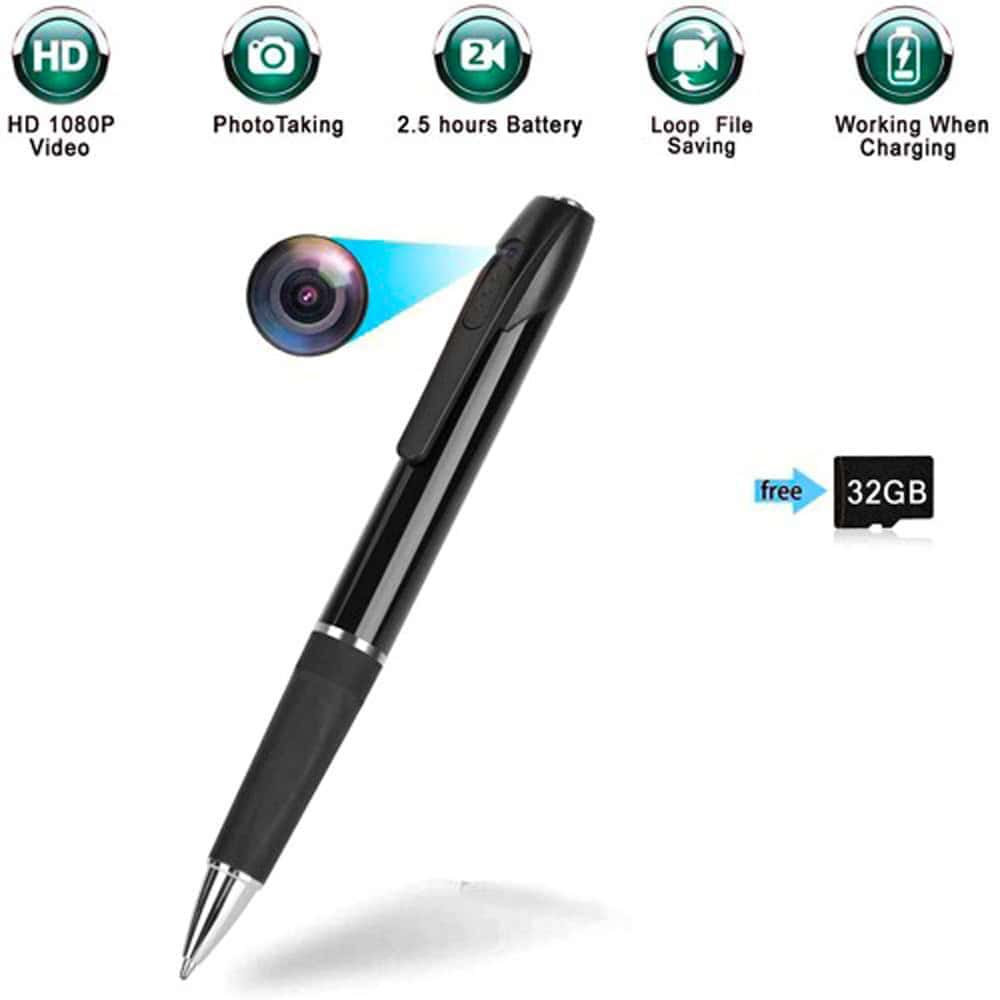
HD Pen Hidden Camera with Built-In DVR – 1080P Full HD, 32GB SD Card Included, 1.5-Hour Battery Life, One-Button Operation, USB Playback, Discreet Recording Device
$59.95
Buy with Confidence
Covered by a 30-Day Money Back Guarantee. If it's not right for you, returns are easy and hassle-free.

Secure checkout • 100% Satisfaction Guaranteed • 30 Day Money Back Guarantee • Easy Returns • Fast Customer Support
Looks like a regular pen, works like a camera. This one records 1080P video at 30fps and stores everything on an included 32GB card — no app, no Wi-Fi, no complicated setup. You click it once to start, once to stop, then plug it into your computer when you're ready to watch.
- 1080P full HD video at 1920x1080 resolution, 25fps — smooth and clear footage even with movement
- 32GB micro SD card included — stores hours of footage right out of the box
- 1.5-hour battery life on a single charge via included USB cable
- One-button operation — on, record, stop. No learning curve
- Also takes photos at 4032x3024 resolution; works with Mac OS and Windows 10
Just a Pen. Except It Records Everything.
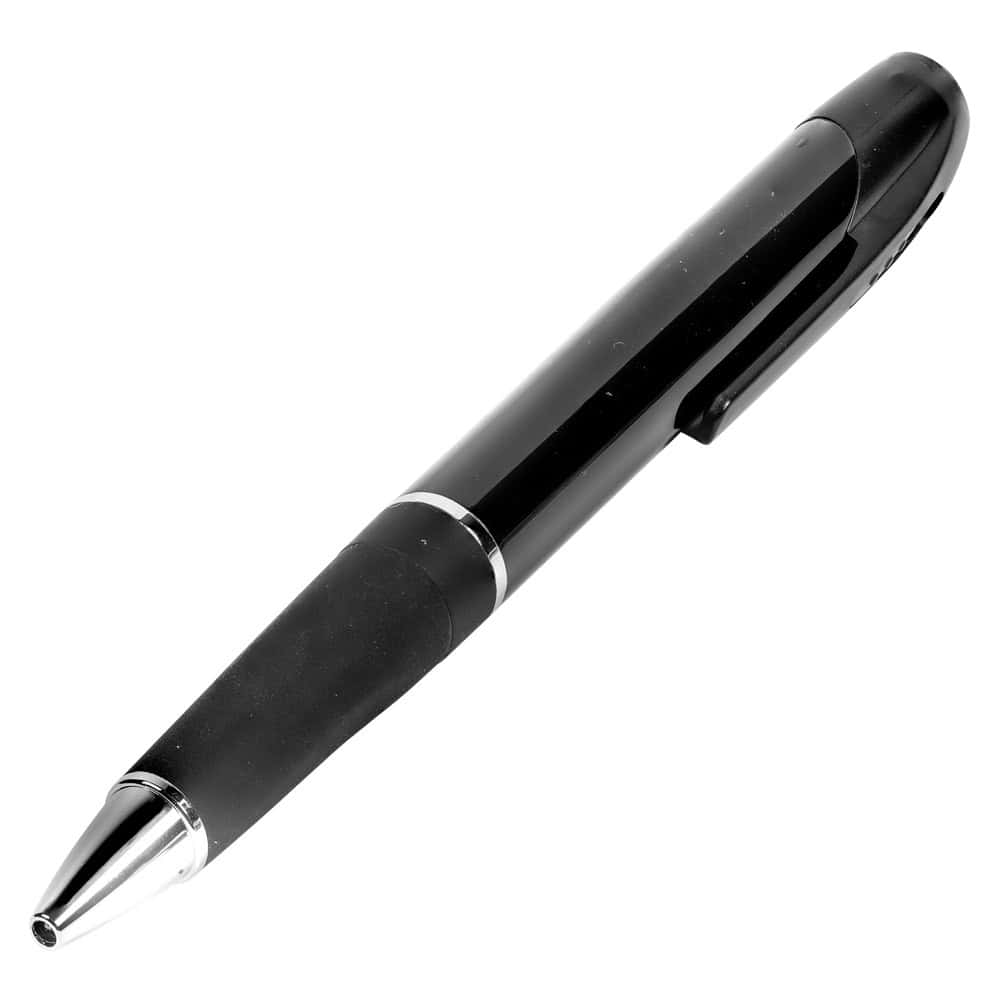
Sometimes the best camera is one nobody notices. This pen records 1080P HD video and sits in your shirt pocket or on a desk without drawing a second glance. No blinking lights, no obvious lens housing — it just looks like a pen. Click once to start recording, click again to stop. That’s the whole operation.
I’ve messed around with a few hidden cameras over the years. The ones that require apps, Wi-Fi setup, or pairing with a phone always seem to have something go wrong when you actually need them. This one avoids all of that. It records to a card, you watch it on your computer. Simple and reliable.
Who This Hidden Camera Pen Is For
People who need discrete documentation without obvious camera equipment. That covers a pretty wide range — someone dealing with a difficult situation at work, a caregiver wanting to keep an eye on things at home, a property owner checking in on a rental. If you need footage and you need it to not look like you’re getting footage, this makes sense.
It’s also genuinely useful as a backup recorder for meetings or conversations where you want an accurate record. Set it on the table and nobody thinks twice about it.
Is This the Right Choice for You?
Choose this pen camera if you want:
- A hidden camera that works without Wi-Fi or a smartphone app
- Simple one-button recording anyone can operate
- A device that genuinely passes as an ordinary pen
- Everything included — card, cable, ready to use out of the box
Consider something else if you need:
- Continuous or overnight recording — 1.5-hour battery won’t cover it
- Live streaming or remote viewing capability
How It Actually Works
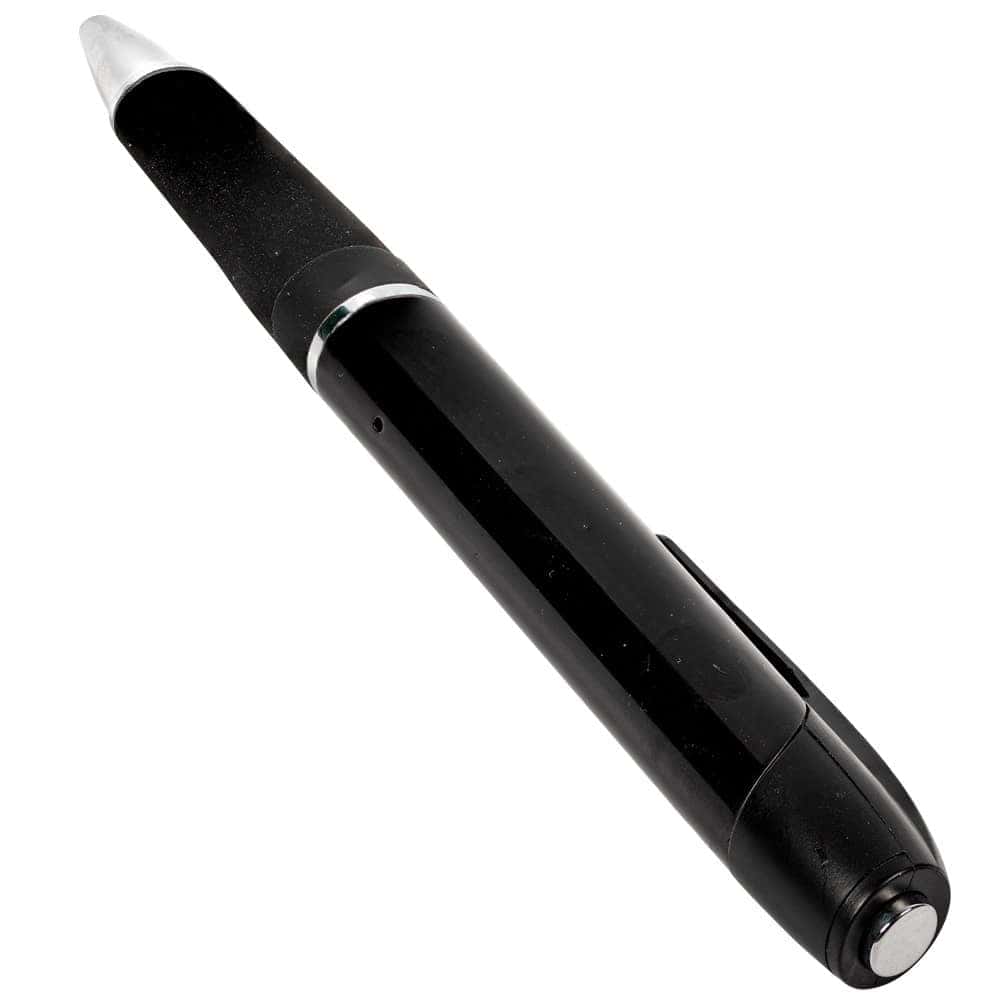
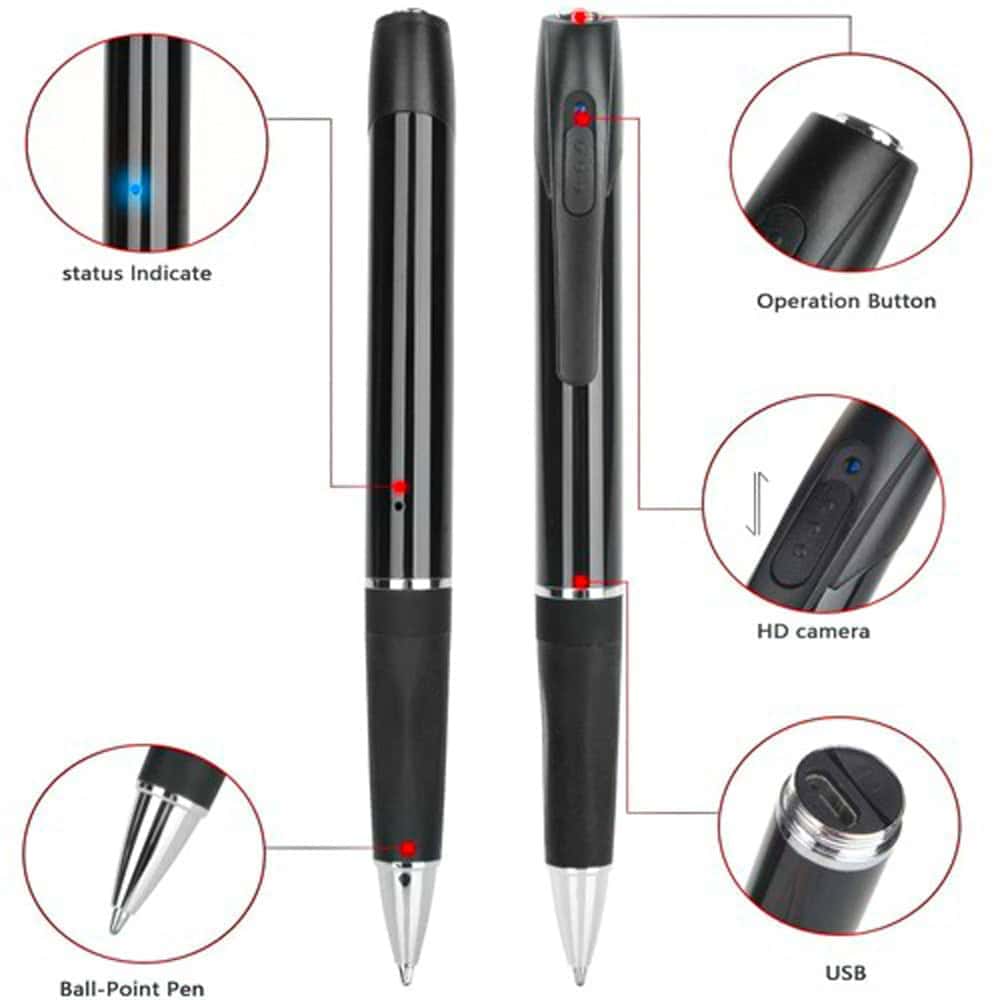
Power it on, press the button once — it starts recording. Press again to stop. When you’re done, pull the cap off the bottom end and plug the USB directly into your computer. No card reader needed, no adapters. Your footage shows up as AVI files you can open in any standard video player.
The 32GB card that comes with it holds a solid amount of footage at 1080P resolution — enough for a full day of intermittent recording across multiple sessions. The lithium battery recharges through the same USB connection, so you’re only dealing with one cable for everything.
Photo mode captures stills at 4032×3024 — that’s about 12 megapixels, which is more than enough for clear, detailed images. Switch between video and photo as needed.
Quick Comparison: How Does This Pen Camera Stack Up?
| Feature | HD Pen Camera | Button/Clip Camera | Wi-Fi Hidden Camera | Glasses Camera |
|---|---|---|---|---|
| Video Resolution | 1080P ✓ | 1080P ✓ | 1080P ✓ | 720P–1080P |
| Disguise Quality | Excellent ✓ | Good | Varies | Good |
| Setup Required | None ✓ | Minimal | App + Wi-Fi | Minimal |
| Storage Included | 32GB SD ✓ | Usually none | Cloud/SD | Usually none |
| Battery Life | 1.5 Hours | 1–2 Hours | Varies | 1–2 Hours ✓ |
| Best For | Desk/pocket use | Wearable recording | Remote monitoring | Hands-free POV |
Practical Details
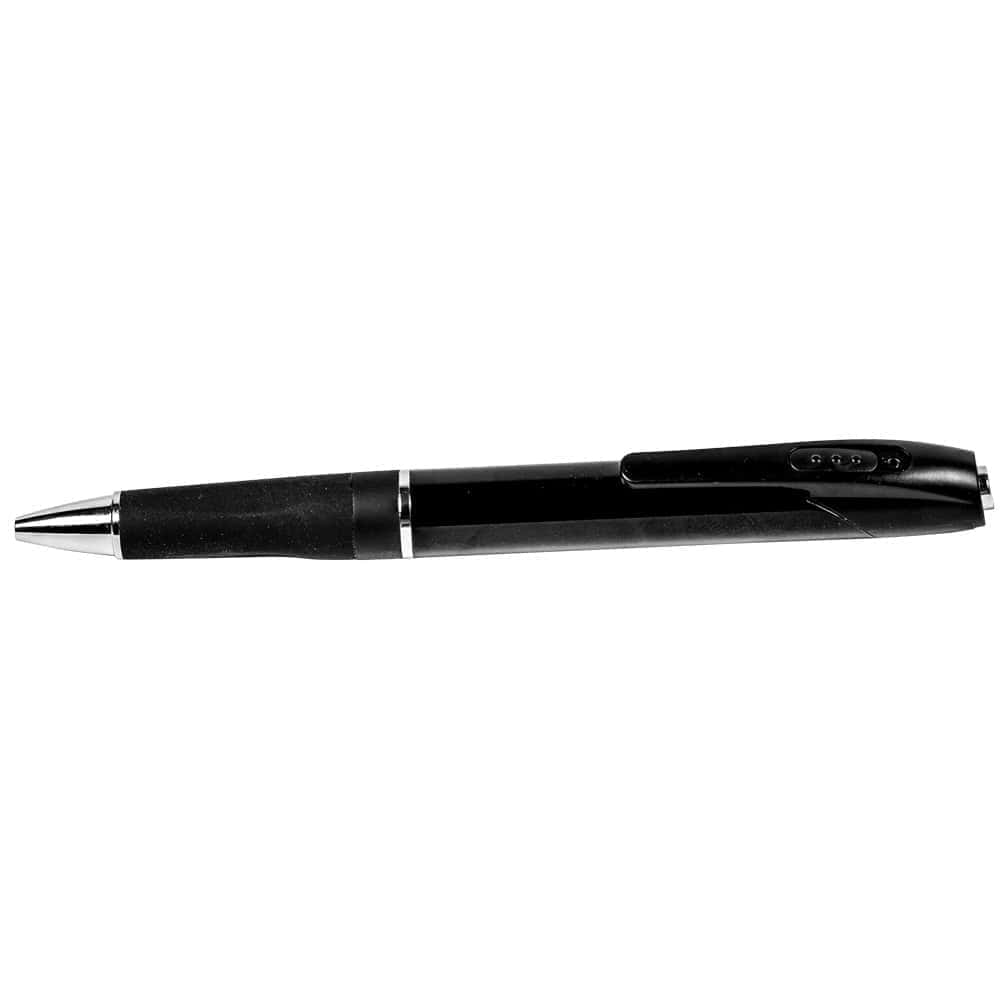
Weighs 0.2 lbs and measures 6″ x 0.63″ — standard pen size and feel. Records in AVI format using M-JPEG video coding. Compatible with Mac OS and Windows 10. Includes a 32GB micro SD card and USB cable. Rechargeable lithium battery built in. Comes with a 90-day warranty.
If you want footage without anyone knowing you’re getting footage, this pen does exactly that — no setup, no fuss, just press and record.
Frequently Asked Questions
Does it record audio as well as video?
The product specs focus on video and photo capture. For specific audio recording capability, check your local laws regarding consent requirements before recording conversations — regulations vary by state and situation.
How do I know it’s recording?
There’s a subtle indicator when recording begins. Because it’s designed to be discreet, the indication is intentionally low-key. You’ll want to test it a few times at home before relying on it so you know exactly what to expect from the button feedback.
Can I use a larger SD card than 32GB?
The pen comes with a 32GB card included. Compatibility with larger cards isn’t specified — the included card is what’s tested and supported. At 1080P, 32GB holds several hours of footage across sessions, which is enough for most use cases.
How long does it take to recharge?
Recharging is done via the included USB cable plugged into a computer or USB adapter. Full charge time is typically 1.5 to 2 hours. It’s a good habit to charge it the night before you need it so it’s ready to go at full capacity.
| Recording Mode | Loop |
|---|---|
| Video Resolution | 1920 x 1080 |
| Video Format | AVI |
| Video Coding | M-JPEG |
| FPS | 25 |
| Photo Resolution | 4032 x 3024 |
| Photo Format | jpeg |
| Battery | Rechargeable Lithium |
| Battery Life | 1.5 Hours |
| Support system | Mac OS, Windows 10 |
| Color | Black |
| Included | Micro 32gb SD Card, USB Cable |
| Warranty | 90 Days |
| Weight | 0.2 lbs |
| Dimensions | 6" x 0.63" |
Additional information
Related products
-

Hair Brush Diversion Safe with Hidden Compartment – Realistic Design, 1¼” x 4″ Interior, Lightweight 0.6 lbs, Ideal for Bedroom or Bathroom Valuables Storage
$13.95 Add to cart -
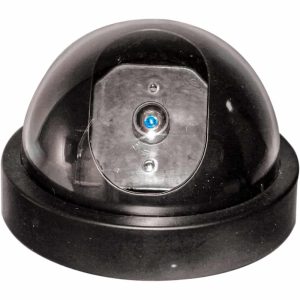
Dummy Dome Security Camera with Flashing Red LED Motion Detection Light – Indoor Ceiling Mount, ABS Plastic Housing, Black, 4.5 x 2.75 Inch, Wall Mount Hardware Included, 2 AA Batteries
$5.99 Add to cart -

Book Diversion Safe Hidden Storage with Realistic Book Cover – 7.75 x 4 x 1 Inch Interior, Variety of Book Titles, Hides Cash, Jewelry, Keys on Any Bookshelf or Coffee Table
$15.95 Add to cart -
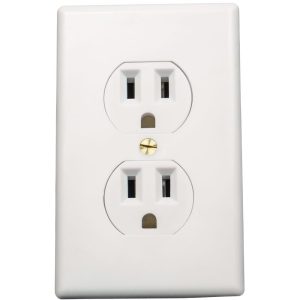
Wall Socket Diversion Safe – Hidden Indoor Storage Behind Realistic Outlet Faceplate, 2 3/16″ x 2″ x 5″ Interior, Customizable Cover, 0.41 lbs
$9.95 Add to cart
Reviews
There are no reviews yet.